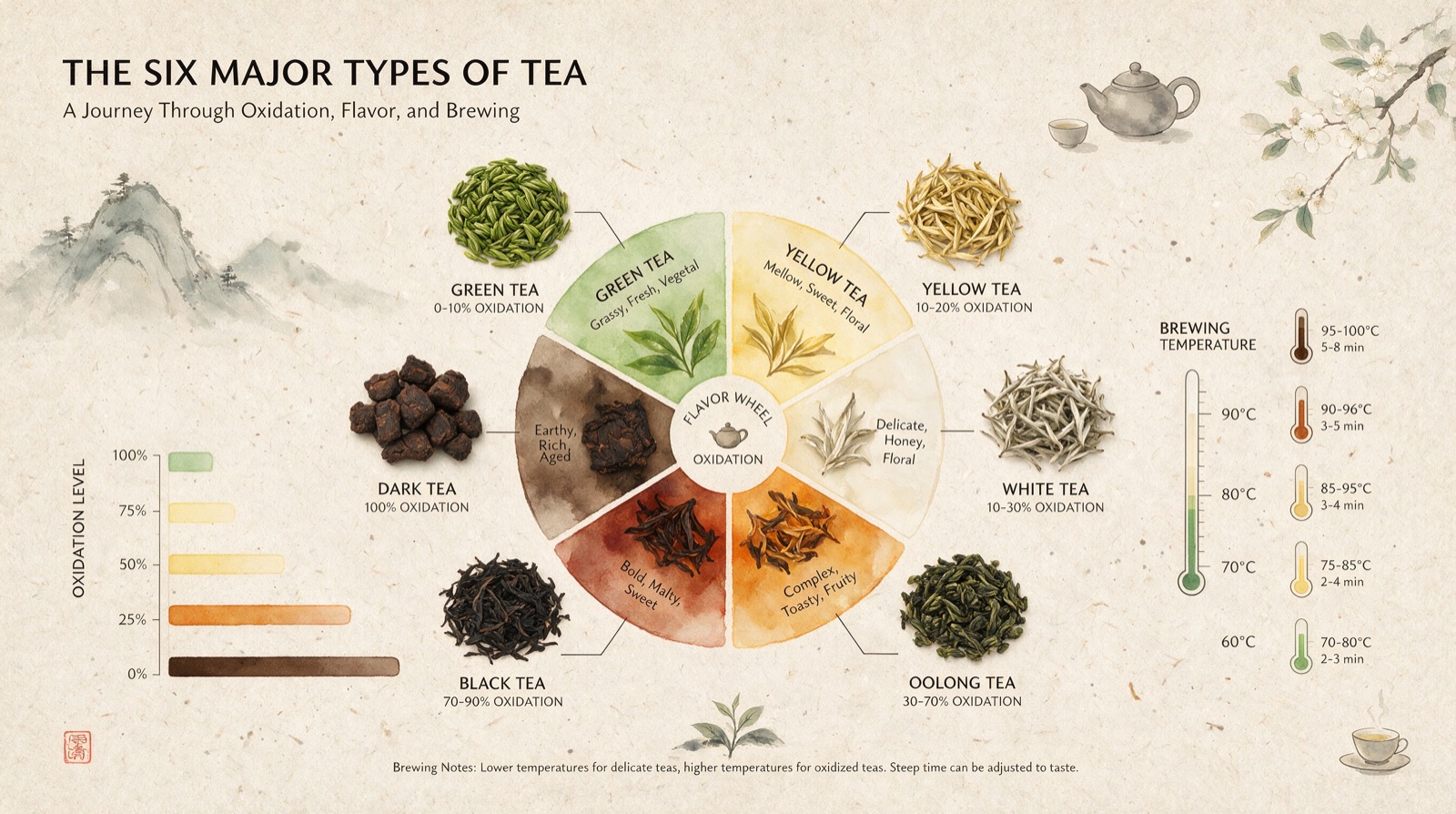
Six Major Teas Infographic
A watercolor flavor-wheel infographic comparing oxidation levels and brewing temperatures of six tea types, with dense English labels.
InfographicText RenderingEducation
Make dense layouts and clear text, or edit up to 10 of your own images.
0 / 5,000
Sign up free to generate. New accounts get free credits, and your settings stay as they are.

Examples published by the model’s maker.
A watercolor flavor-wheel infographic comparing oxidation levels and brewing temperatures of six tea types, with dense English labels.
A warm sunset e-commerce hero UI where a golden retriever's paw breaks out of its frame to press the Shop Now button.
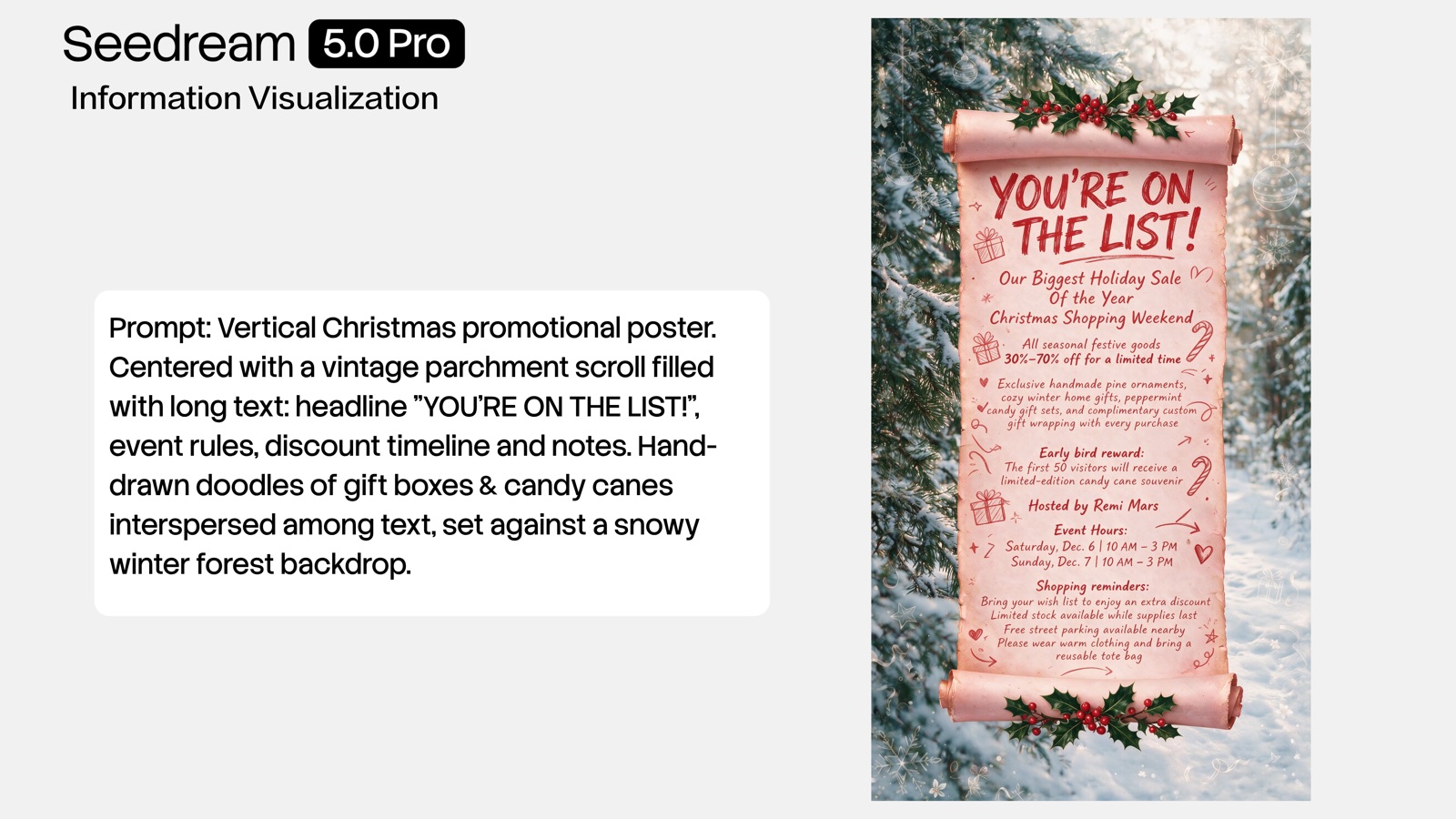
A vertical holiday sale poster with dense, correctly spelled text on a parchment scroll; the official slide shows the prompt beside the output.
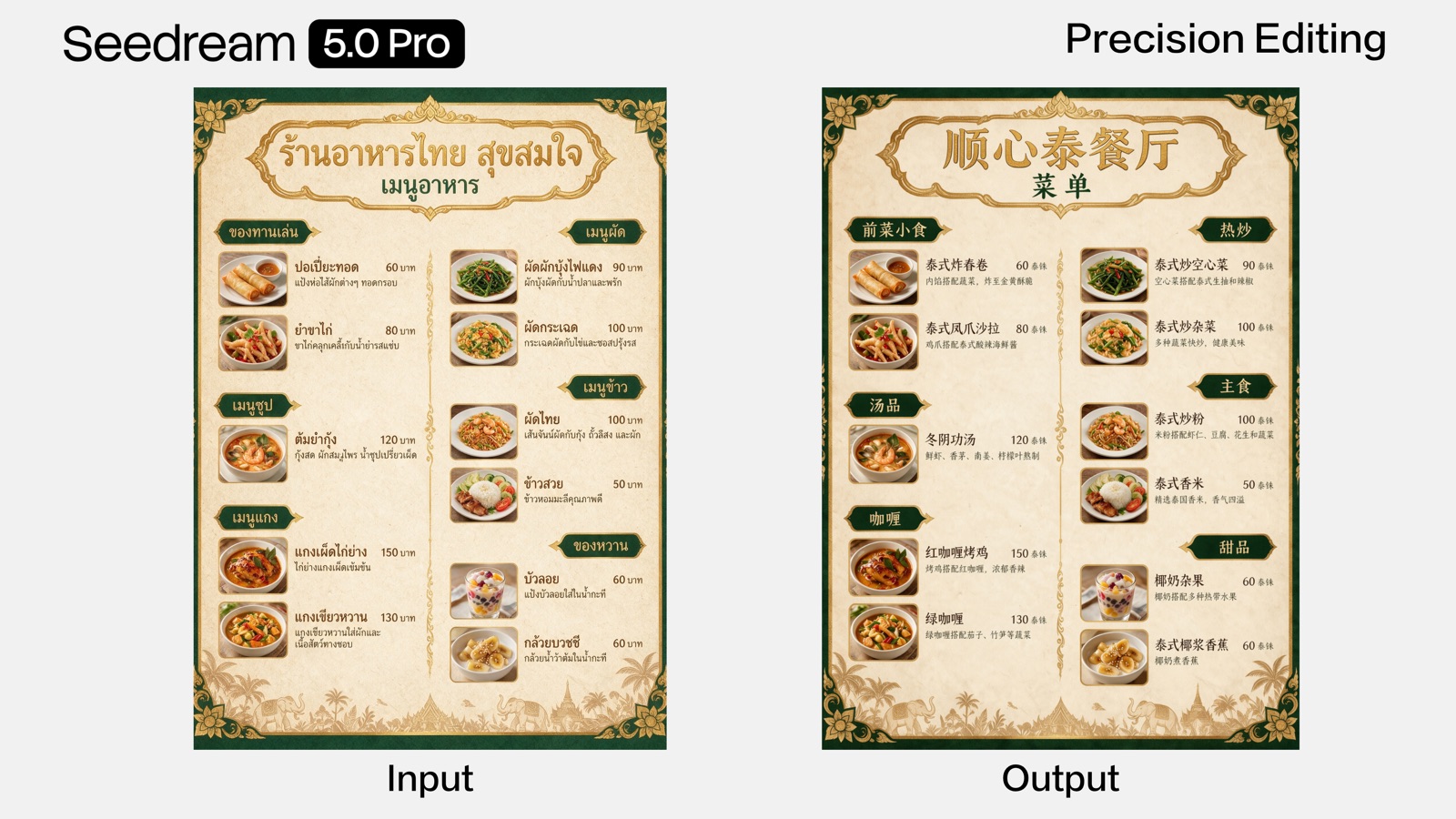
An editing example that translates a Thai restaurant menu into Chinese while keeping the original layout, shown as input and output side by side.
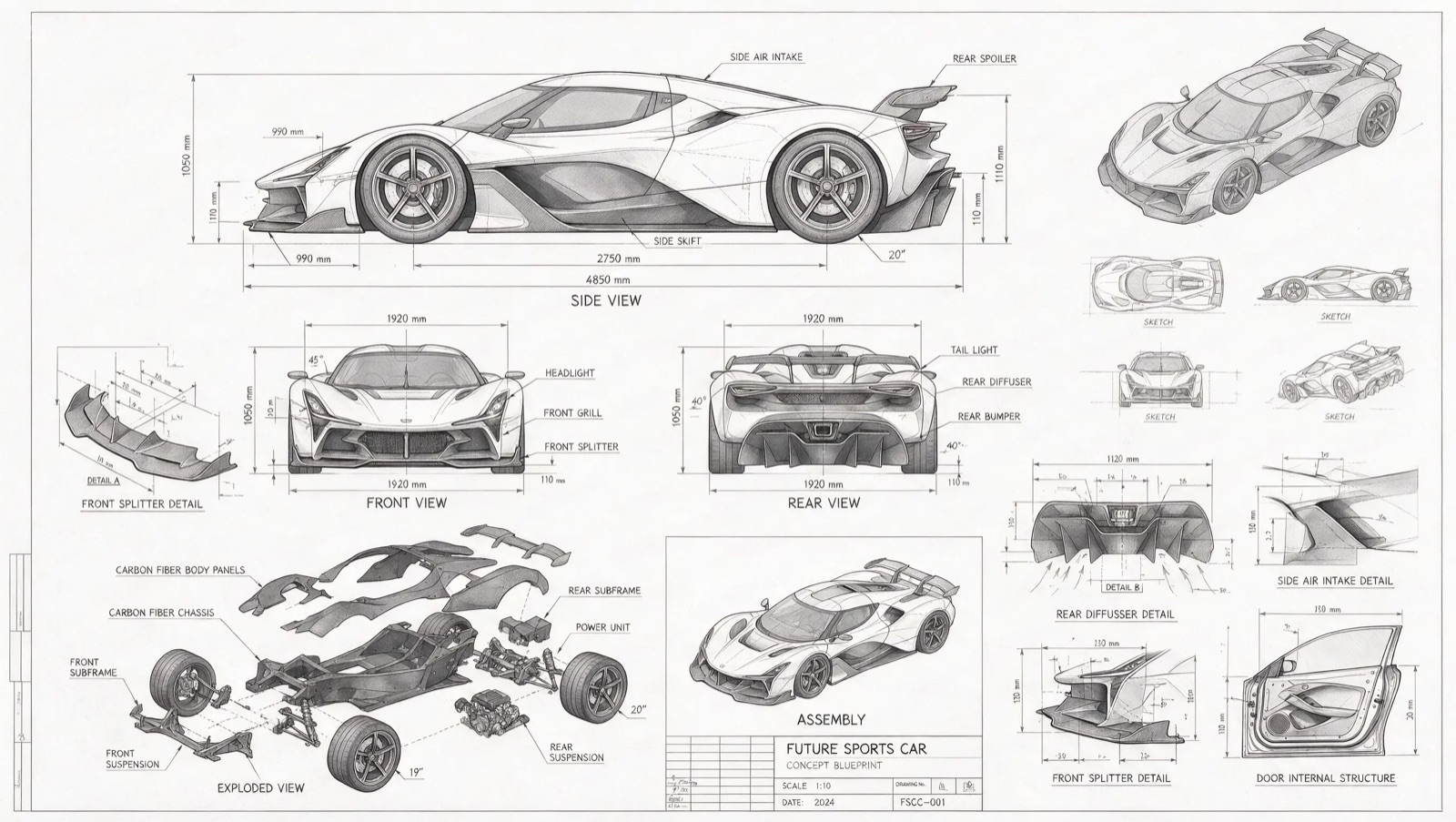
A grayscale blueprint sheet of a concept sports car with front, side and rear views, exploded parts and dimension callouts.
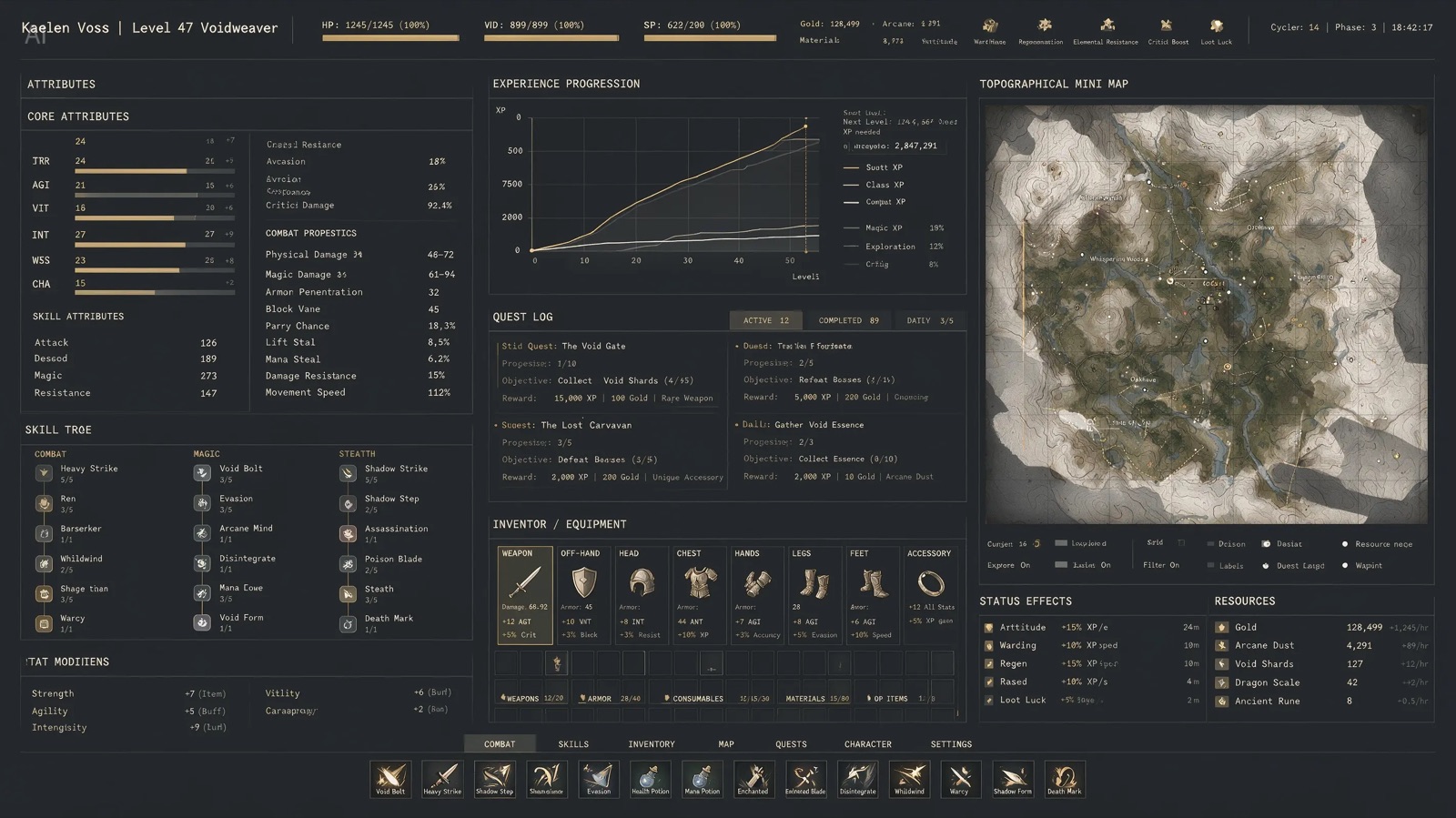
A dense, slate-gray game character screen with stat columns, experience graphs and a large topographic mini-map.
Infographics, blueprints and charts with a clear visual hierarchy.
Upload up to 10 images and describe how to combine or change them.
Prompts of up to 5,000 characters for detailed briefs.
PNG or JPEG in eight aspect ratios for web, print and social.
The basics are on the form above; everything else the model supports is under More settings.
Ways to start
Text to image · Edit images
Quality
Basic or high
Aspect ratios
1:1, 4:3, 3:4, 16:9, 9:16, 2:3, 3:2, 21:9
Editing
Up to 10 input images
Prompt
Up to 5,000 characters
File type
PNG or JPEG
Seedream 5.0 Pro is an image generation and editing model from ByteDance, strong at dense layouts, text and multi-image editing.
Yes. New accounts get free credits at sign-up, enough to try a generation. You can see every setting and the cost before you sign in.
The cost in credits appears next to the Generate button and changes with the settings you pick. You pay for what the model actually used, and a generation that fails is not charged. New accounts get free credits to try it.
No. lovideo runs Seedream 5.0 Pro for you in the browser. Sign in, type a prompt and press Generate; there are no keys, code or installs.
High quality renders more detail at a larger size and costs more. Use basic to test the idea and high for the final image.
Try Seedream 5.0 Pro on a single prompt, then let lovideo turn it into a video with voiceover, subtitles and music.