Template
2026 Recap & Year in Review Video: Your Best 30 Moments, Cut by AI
Year-end recaps flood TikTok and Reels every December. Instead of hunting for a template that wants exactly 10 or 12 clips, upload your favorite photos and clips from the year, describe the recap, and lovideo's AI builds it, month titles included.
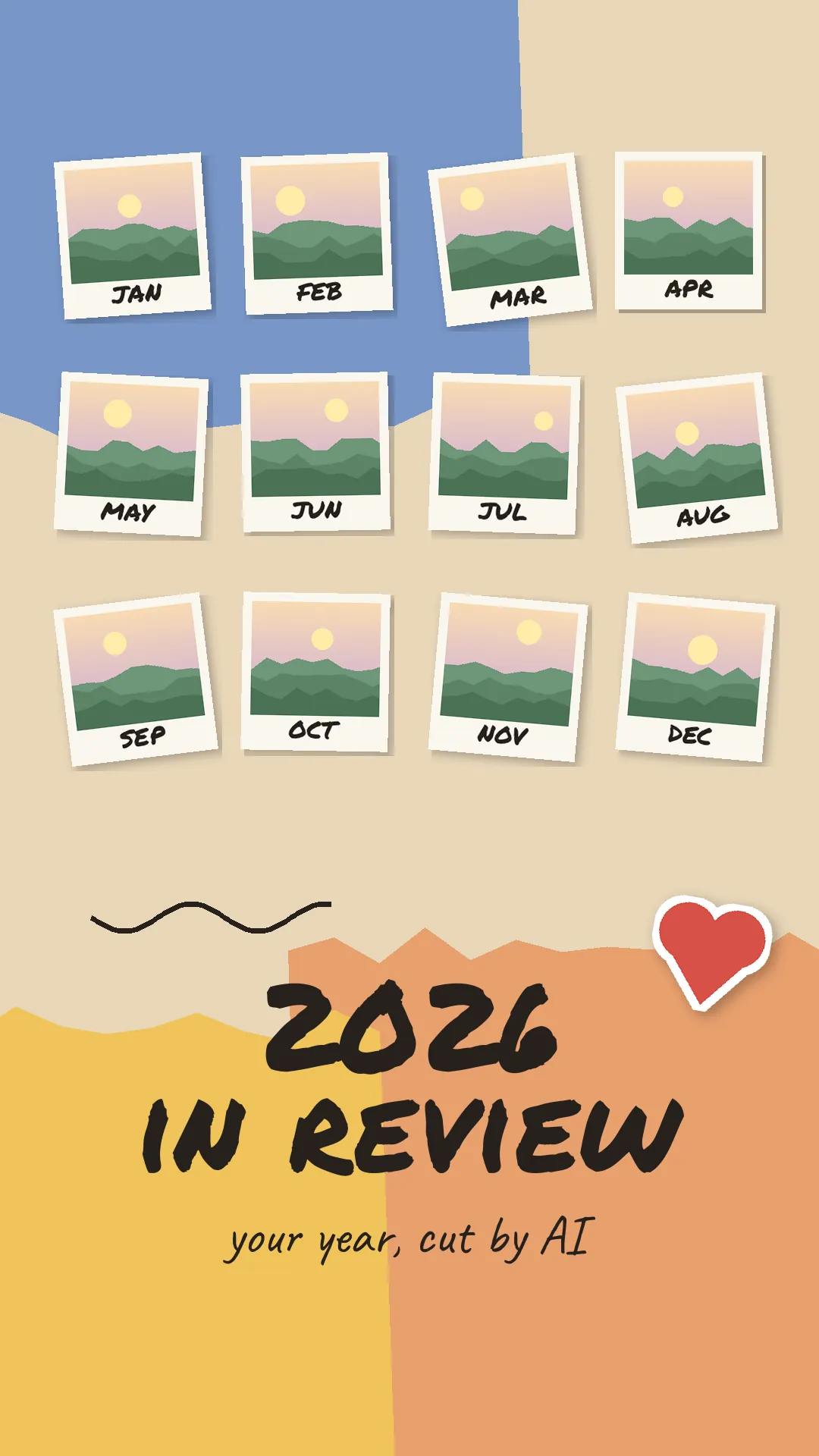
2026 recap: choose your best 30
A year in review (or "2026 recap") video walks through the year month by month: one or a few shots per month, a month name on screen, a closing line, all set to one song. lovideo builds it from your uploads with text layers for month titles, slow zooms, white or black flash cuts and a consistent filter, in 9:16, 4:5, 1:1 or 16:9, up to 30 shots and 180 seconds. Monthly recaps work the same way with fewer shots. Note: a video has at most 30 shots, so if you upload more, the agent works with up to 30 shots; popular '100 photos' formats need curating down to your best 30. Upload in month order or say the order you want.
How to make your 2026 recap with one description
- 1Pick 12-30 photos or short clips, at least one per month.
- 2Have a song you have the rights to as an MP3 or WAV file.
- 3Upload everything in month order in lovideo and choose 9:16 (TikTok/Reels) or 4:5 (feed).
- 4Describe the recap: "month by month, month name on each shot, slow zoom, white flash between months, 'Thank you, 2026' on the last shot".
- 5Review and ask for changes: reorder, retime, change the wording.
- 6Export MP4, or a CapCut draft to keep editing.
Year in review FAQ
Can I make a '2026 in 100 photos' video?
Not in one video. lovideo cuts up to 30 shots per video (each at least 0.5 seconds, 5–180 seconds total). Two honest options: pick your best 30 moments (for example 2–3 per month), or make a monthly recap for each month and post them as a series.
Can I put month names on screen?
Yes, lovideo supports text layers, so each month can get its own title.
Does it sync to the beat automatically?
No. There's no automatic beat detection; describe the pacing you want (for example, 1 second per shot).
Can I make a monthly recap instead?
Yes. Use 8-15 shots from one month and title it, e.g. "October recap".
Can I add my own song?
Yes, upload an MP3 or WAV you have the rights to.
Can I say goodbye to 2026 on screen?
Yes, as a text layer on the first or last shot, for example 'Goodbye 2026'.
Does it know which month each photo is from?
No. lovideo does not read photo dates. Upload in month order or tell the agent the order; you can reorder shots afterwards.