Template
Photo Dump Video Maker: Camera Roll to Reel, Fall Dump to 2026 Photo Dump
A photo dump video turns a pile of photos and short clips into one fast, music-backed reel. Instead of placing every photo on a timeline, describe the vibe in lovideo, upload your media and a song you have the rights to, and AI assembles the cut.
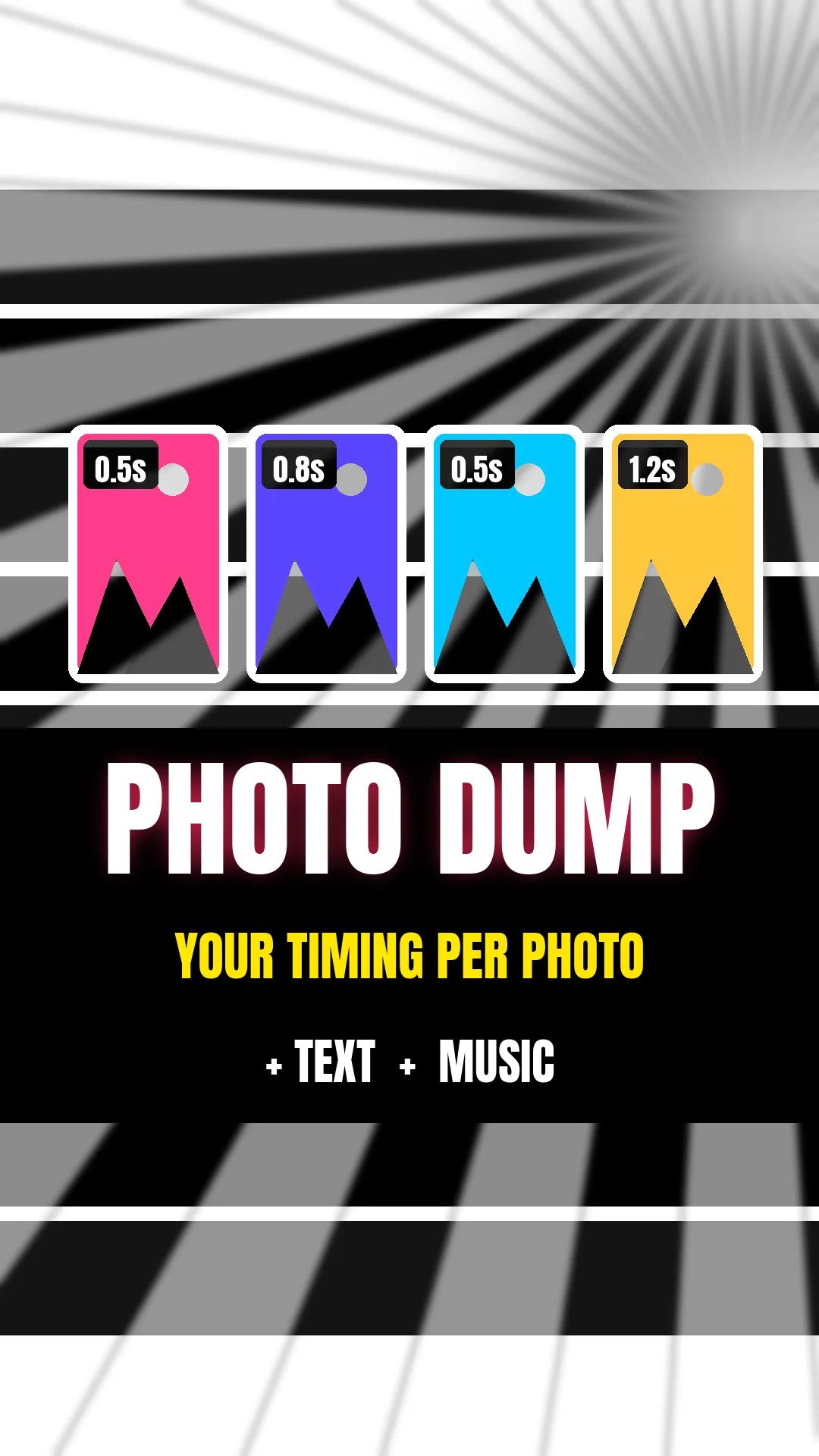
Camera roll dump from one description
A photo dump (or "camera roll dump") video is a quick montage of everyday photos and clips: a trip, a month, a weekend. Each shot stays on screen for a fraction of a second to a few seconds, often with slow zoom-ins and a quick flash between shots, set to one track. In lovideo you upload your photos and clips, pick 9:16, 1:1, 4:5 or 16:9, and the agent builds a 5-180 second video of up to 30 shots using zooms, white or black flashes, one consistent filter and optional text.
How to make a camera roll, fall or 2026 photo dump
- 1Pick the photos or short clips you want (a video has up to 30 shots; a shot can use more than one photo).
- 2Choose a song you have the rights to and keep it as an MP3 or WAV file.
- 3Open lovideo, upload your photos, clips and the music in the text box.
- 4Pick 9:16 for TikTok/Reels/Shorts, 4:5 or 1:1 for the Instagram feed.
- 5Describe the vibe, e.g. "fast summer photo dump, about half a second per photo, slow zoom on each, white flash between shots, warm filter, 20 seconds".
- 6Review the cut and ask for changes in plain language (order, pacing, filter).
- 7Export as MP4, or as a CapCut draft if you want to keep editing there.
Photo dump FAQ
How many photos can I use?
A video has up to 30 shots, and a shot can use more than one photo or clip. The final video runs from 5 to 180 seconds.
Can I control how long each photo stays on screen?
Yes, describe the pacing (for example, half a second per photo, longer on the last one). Each shot is at least 0.5 seconds, and lengths are fitted to the total video duration you pick.
Can I add text?
Yes. Ask for a title or short text in your description; it is added as an editable text layer in the MP4 and the CapCut draft.
Can I add my own music?
Yes. Upload an MP3 or WAV in the text box and it is used as background music. Use tracks you have the rights to.
Does lovideo sync the cuts to the beat automatically?
No, there is no automatic beat detection. You can describe the pacing you want (for example, a cut every half second), and fine-tune timing in a CapCut draft export if needed.
Can I mix photos and videos?
Yes. You can upload both photos and video clips in the same project.
Which aspect ratio should I use?
9:16 for TikTok, Reels and Shorts; 4:5 or 1:1 for the Instagram feed; 16:9 for YouTube.
Do I need an account?
Yes, sign in to open the editor.
Can I make a camera roll or fall photo dump?
Yes. Pick up to 30 photos and clips, upload them with your own song and describe the pace; add a title like 'fall dump' as a text layer.