Template
Before and After Video Maker: Describe the Reveal, AI Cuts It
Transformation videos make a result obvious in seconds: a room makeover, a haircut, a restored item, a design refresh. Upload your before and after photos or clips to lovideo, describe how the reveal should feel, and AI builds the clip.
What is it?
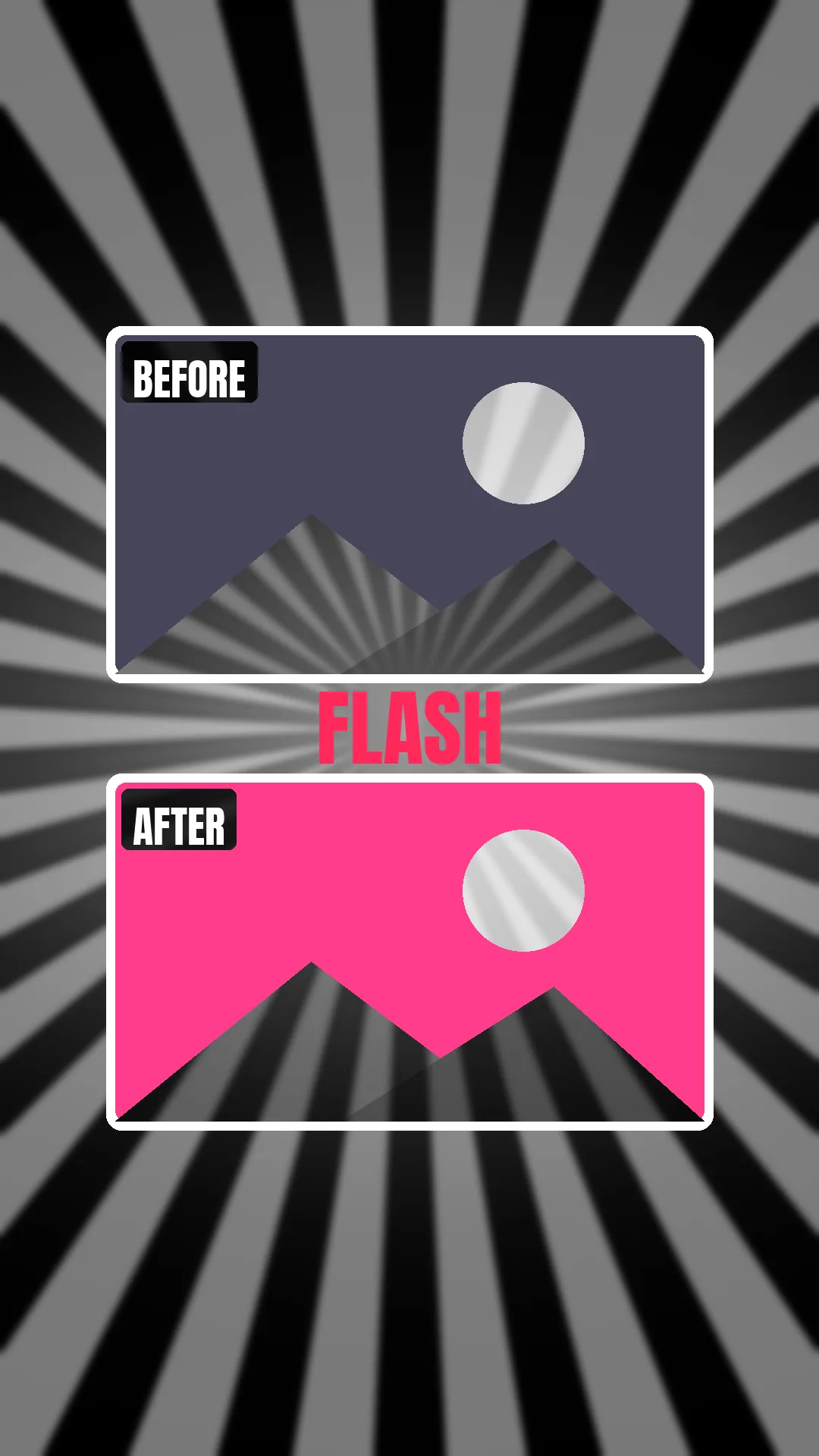
A before-and-after video shows the starting point, then the result, usually with a hard cut or flash on the reveal and a slow zoom to hold attention. Longer versions add a few in-progress shots. lovideo builds this from your uploads with zooms, white or black flash transitions, filters and optional text labels, in 9:16, 1:1, 4:5 or 16:9.
How to make it
- 1Shoot or pick a before and an after image or clip from the same angle and framing (lovideo does not auto-align two photos, so matching shots matter).
- 2Optionally add 2-6 in-progress shots for a process reveal.
- 3Open lovideo and upload them in the text box, with an MP3/WAV track if you want music.
- 4Pick the aspect ratio (9:16 for TikTok and Reels).
- 5Describe the reveal, e.g. "hold the before for 2 seconds with a slow zoom, add a BEFORE label, white flash, then the after with an AFTER label".
- 6Review and refine in plain language, then export MP4 or a CapCut draft.
FAQ
Can I use video clips, not just photos?
Yes. lovideo accepts photos and video clips.
What kind of reveal transitions are there?
Hard cuts plus white or black flashes, combined with slow zooms. Wipe or dissolve reveals are not offered today.
Can I add BEFORE / AFTER labels?
Yes. Ask for BEFORE / AFTER text in your description; it is added as an editable text layer, which you can also change in the CapCut draft export.
How long can the video be?
Between 5 and 180 seconds, with up to 30 shots.
Is it good for client or product results?
Yes, it works for makeovers, renovations, cleaning, restorations and design work, as long as you own the footage.