Template
Friendsgiving Video: Your Thanksgiving Recap, Cut by AI
Friendsgiving dinner, the table, the toast, the leftovers. Upload your photos and clips, describe the vibe with one description, and lovideo's AI cuts a recap reel.
What is it?
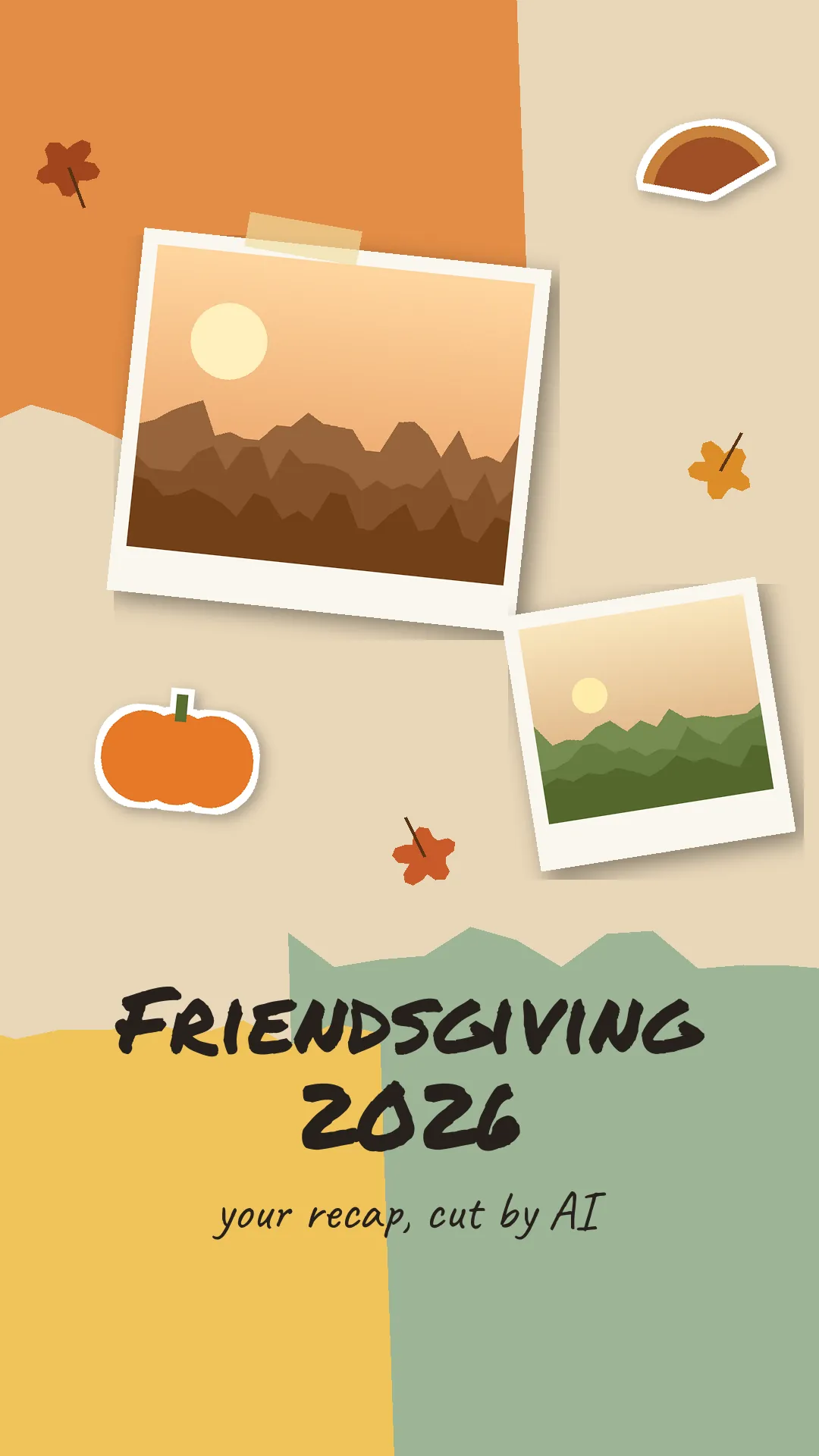
A Friendsgiving or Thanksgiving recap is a short reel of the gathering: arrivals, food, toasts, group shots, with a title like 'Friendsgiving 2026'. lovideo cuts up to 30 of your own shots (each from 0.5 s) into a 5–180 second video with text layers, white or black flashes and a filter.
How to make it
- 1Pick up to 30 photos and clips from the night.
- 2Upload them with a song you have rights to; choose 9:16 or 4:5.
- 3Describe it: "Friendsgiving 2026 title, 0.7 s per shot, warm filter, white flash before the group photo".
- 4Export MP4 (or a CapCut draft) and post.
FAQ
Can I make a Thanksgiving recap or November dump too?
Yes, same workflow; just change the title text.
Does lovideo add Thanksgiving music?
No. lovideo does not generate or supply music; upload an MP3 or WAV you have rights to.
Will the cuts follow the beat?
Not automatically. You can ask for a fixed rhythm, for example 0.5 seconds per shot.
Can I add names or a menu on screen?
Yes, as text layers you describe in text. Captions are not transcribed automatically.
Can I add falling leaves or glow effects?
No. lovideo has no leaf, glow or particle effects. Use filters, slow zooms and white or black flashes on your own photos and clips.